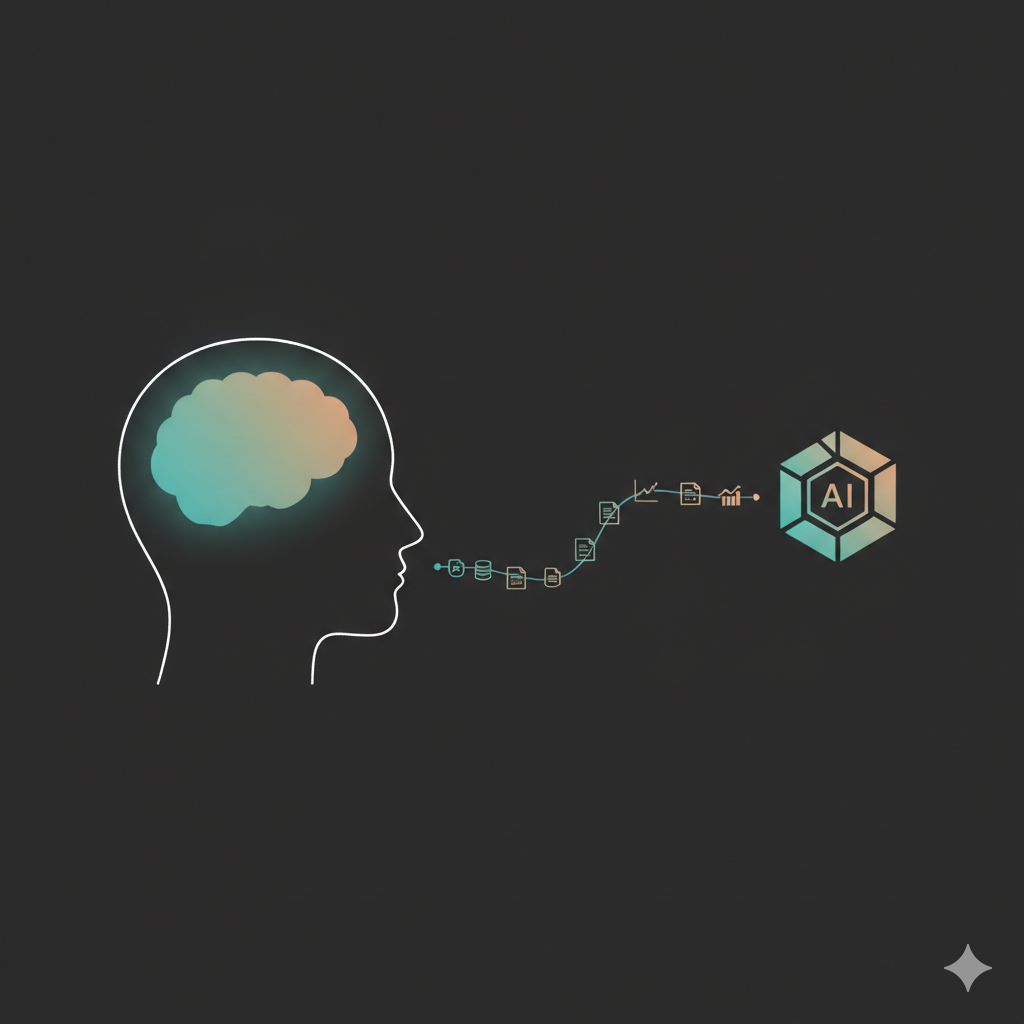
At some point I realized I couldn’t defend my own work anymore.
Not the code, that worked fine. I mean the why behind it: the design, the tradeoffs, the reason we went this way and not the other. I had delegated so much to AI that I’d quietly delegated the thinking too. So when someone asked me a hard question about my own decisions, I didn’t really have an answer. I had a prompt history.
That’s an uncomfortable place to be. And it’s what made me tear up my whole workflow and start again.
Let me back up a bit.
I’ve swung between AI hype and AI rejection like a pendulum, and neither end is really me. I’m a pragmatist, I like pushing tools to their limit and keeping whatever survives. And rejecting AI was never really an option anyway. The industry demands it, companies want to ship fast even if the quality takes a slight hit, and let’s be honest, customers don’t really see or care how “maintainable” or “readable” the codebase is. We romanticize a lot of that, and the more we ship the more we realize it.
So I leaned in. Hard. I kept chasing a better AI-native workflow until I’d automated the research, the planning, the self-grilling, the spec writing, and eventually the thinking itself.
And honestly? It worked. It gets things done, I can hand it important work and get a good result. Even when it hallucinates or gives me something poor, I just ignore it and prompt again with what I learned, barely spending my own time past the initial prompt. It seems like a dream.
But here’s the catch, and it’s the one I opened with: my understanding of the problem and the solution gets so thin that I can’t really defend any of it.
There’s a quieter cost too. We tell ourselves we’re faster now, but when I compare the deliveries for real, at least on enterprise work, the timeline didn’t move much. We just relocated the work, from writing and reviewing code to writing specs, reviewing piles of markdown and babysitting agents. And I don’t know about you, but I drift off by the second paragraph of those markdown files, even the nicely formatted ones, so I end up re-reading the same thing over and over and accepting things out of pure exhaustion.
Now multiply that across a team. If I can’t defend a design that “I did” myself, how is the person reviewing it supposed to handle it?
They can’t.
Either they accept it anyway and trust me, or a long discussion kicks off where we’re both forced to go back and actually dig into the problem, digest it, and agree or not. Both are bad. The first is what I’d call cognitive surrender, but at a team level, where nobody really holds a mental model of the work. The second just burns the time we supposedly saved.
So I set out to rebuild my workflow around one rule: I build the mental model and make the design calls myself, and AI is my researcher and guide, not my brain.
Here’s the workflow I landed on, ten steps from problem to ship, and the whole thing comes down to one idea: I do the thinking, AI does the fetching. If you only take one step from it, take step 3, where I write down my own judgement before AI touches anything. Everything else exists to protect that.
Understand the problem
1. Read and understand the problem statement
Yeah, nothing changes here and I’m assuming everybody is properly going through the actual problem at hand and understanding what has to be done, right? Or are you just grabbing a ticket number and asking AI right away?
Yeah, I’ve done that, I feel ashamed!
In my defense though, even the tickets are getting so verbose nowadays when they are AI generated that at that level I’m already annoyed to digest it.
Either way, I set the goal to never do that anymore and actually go through the problem statement, the project description and any related resources to build and embrace my own conclusions. No shortcuts.
2. Leverage AI as a research partner
As a continuation of the first step, now the goal is to gather actual data from appropriate sources to form a more concrete mental model of the problem itself.
For instance, most of the problems I deal with require me to pull real database data, observability metrics, git and Linear history, as well as the codebase references of course.
The real production data grounds me in reality and flags real bottlenecks, sensitive places and the history of decisions much faster than before. This is a real power the AI coding tools bring today. We used to spend ages crafting queries, digging through the db schema and code references, and suffering through unmaintained dashboards and wrong metrics just to get a picture of what we were looking at. Now we spend minutes chatting with an agent.
Decide the approach
3. Write down my own idea on how to address this
This is the heart of the whole workflow. If you take nothing else from this post, take this step.
Usually when working on a certain task, I’m dealing with one of two things: bugs or features. When working on features we are not looking for root causes, so that part can be skipped, but the rest stays the same.
In this step the goal is to form and state my own judgement about the problem and what I believe the root cause is, given the information I have so far, as well as the proposed solution. It’s ok to be wrong here. The goal is to keep exercising my own judgement and staying in the driver’s seat, and keep in mind that this step is reviewed and we go deeper on it in the following steps.
So I write it down in a few short sections, as short as the necessary details allow:
- The first section is about the problem at hand, simply my own rephrasing of the issue so that there is clarity on what I want to achieve.
- The second section is my actual diagnostic about the root cause (when working on a bug). Here I lay out the diagnostic and point to where the issue might live and why, giving references to the data gathered when pertinent, code references, code changes that happened recently and the like.
- The third section is the actual proposed solution. Here the goal is to explain the steps I would take myself to fix this and why they would solve this problem.
4. Pair review with AI
Now with the data gathered plus my own notes, ideas and proposal from above, I use an agent to go through it and chat about the ideas, judge it, flag issues, gaps and tradeoffs that were not accounted for. This step might make me either change my decisions above completely or simply extend them, accounting for extra details I might have missed.
I make sure to record the whole process and I don’t simply change my initial writings. I create next sections that rework them, and this helps me keep references of the process while also being a nice thing to reflect on later.
5. Second pass review with AI
Now that I have a polished version, it’s time for a second pair review. Make sure to create a fresh new session and request the review again.
At this stage, we might have some extra adjustments and improvements, but usually the direction doesn’t change much at this point. There are only some extra details and little tweaks to account for.
Plan the work
6. Split the work
Here we have the whole idea on how to address the work, but many times the work needed is not small, and if that is the case we have to organize it and split it into ideal sequences and, ideally, concurrent steps as much as possible.
So the first thing here is to think about the milestones I envision for this work. What are the ideal general splits that would deliver value continuously?
Second, we break down these milestones into high level user stories. I like to use user stories because it keeps each task focused on a clear deliverable tied to actual end user value.
7. Pair review the project organization
At this stage I also use AI to review the overall plan I drafted and split. I ask it to judge the milestones first, to get signals of things I might not have considered that may make the sequence a bad idea, or if there could be a more valuable set of milestones.
Second, I review the user stories, verifying if they really account for all the necessary things we set out to do, that they are correct and complete, and that there isn’t any user story missing.
I address any issues that popped up here and reorganize it once again, then move forward once I’m confident and happy with the result.
Build and ship
From here on it’s the loop we’ve always known: write the code, review it, ship it, watch it. I won’t pretend I reinvented any of it. What changed is that I walk into these steps already holding the mental model, so handing work off and judging the result is no longer an act of faith.
8. Time to implement
Here we have everything we need to actually start, so I either spin up some agents or share the work with the team and let each person take an initiative and code as they wish.
The difference from before is that whoever picks up a piece, agent or human, is working from a plan I actually understand, with no hidden context living only in my head.
9. Review the work
This is where the mental model pays off the most. Because I drove the design, I can actually review the output instead of rubber-stamping it.
It’s still the regular thing we’ve always done, just much more delegated now, with a lot of tools aiming to guarantee the quality of the output. So I use a proper risk judgement for each task: if the risk is low, skimming over and trusting the agents’ reviews could be worth it, but if the risk is high then I go through the code and review it the old fashioned way. I’m still getting used to this, but I’m always finding ways to record the common issues, patterns and mistakes I want the review agents to catch, so that I’m more and more confident handing the review off on my behalf.
10. Ship and monitor
Great, the project is all green and approved and it’s time to ship. But our work is not done!
Now we have to make sure we’re monitoring the release, that no regressions are popping up and that the feature actually works as expected. Proper monitoring and alerting here is super important, it gets us the right signals at the right time if anything goes wrong.
And there’s a selfish reason I care about this part: monitoring is how I find out whether the calls I made actually held up in the real world. It’s the feedback loop that keeps me honest and sharpens the judgement I bring to the next problem.
Wrapping up
And there it is, the whole workflow from plan to shipping.
The biggest learning for myself was thinking about planning the work for another teammate to do, and trying to be as clear and good of a guide for them as possible so that they don’t need to ask me anything while working on each individual step. The nice thing here is that the teammate can be a person or an AI agent, at least that is the hope.
Most importantly though, I’m still leveraging AI heavily on every step to speed up the boring parts, but I’m the one doing the thinking. I’m the one deciding every step forward, using AI as a rubber duck plus a powerful and fast researcher to hand me the information I need when I need it.
One last thing, and this one is just for myself: I’m taking this a step further and writing the initial planning phases on paper. Nothing fancy and nothing like a long essay, just small notes and a set of bullet points, concise and to the point but clear enough to make sense later. There isn’t an exact template for this, just a few topics like:
- What are we doing? → bullet points
- What is the root cause? → bullet points
- How are we solving it? → bullet points
It’s basically step 3, but by hand. There is something about writing on paper that makes things more real, makes me reflect deeper and internalize the thought on a deeper level. And I’m not just making this up either, there’s research pointing the same way, like the studies on handwriting versus typing for retention (the classic “The Pen Is Mightier Than the Keyboard”) and the generation effect, where producing the information yourself makes it stick far better than just reading it. Honestly, just the fact that part of the work isn’t happening on a screen, even if it’s only for a couple of minutes, is a nice feeling for myself at least.
One thought on “I Delegated My Thinking to AI. Now I’m Taking It Back.”